
Security cameras come in many forms today. There are traditional analog cameras, HD-over-coax models, network IP cameras, pan-tilt-zoom units, and specialized cameras for industrial or broadcast use. Each type connects to the rest of the system in its own way, and the connector you choose must match both the camera and the cable carrying its signal. Picking the wrong one can mean poor video, unreliable power, or a connection that simply will not fit. Many installation delays happen because someone assumed one connector would work for everything. This guide explains how to match connectors to different camera types, what details to check before ordering, and how to avoid the common mistakes that turn a straightforward installation into a frustrating afternoon of adapters and troubleshooting.
Start by Identifying Your Camera Technology
The first step is knowing exactly what kind of camera you are working with. Analog and HD-over-coax cameras send video through coaxial cable and nearly always use BNC connectors. IP cameras send data through Ethernet cable and use RJ45 connectors, often receiving power through the same cable. Some older or consumer devices use RCA outputs. Professional and broadcast cameras may rely on BNC for SDI video along with separate power connectors such as D-Tap. Looking at the camera's specification sheet or back panel will tell you what it expects. Suppliers that stock a range of CCTV cable connectors, such as MOCO, make it easier to gather the right mix of BNC, RJ45, RCA, and power fittings for a system that combines several camera technologies at once.
Matching Connectors to Cable Size and Impedance
Once you know the connector type, you need to match it to the specific cable. BNC connectors are built for particular cable diameters, so a connector sized for RG59 will not grip RG179 properly, and the reverse is also true. Using a mismatched connector leads to loose shields, poorly seated center pins, and connections that fail over time. Impedance matters as well. Video systems use 75 ohm cable and connectors, while many radio applications use 50 ohm parts that look almost identical. Mixing them can cause signal reflections and reduced image quality, especially at higher resolutions. For Ethernet, make sure RJ45 plugs suit the cable category and conductor type. Checking these details before ordering prevents wasted parts and ensures every connection performs the way it should.
Considering Camera Location and Mounting
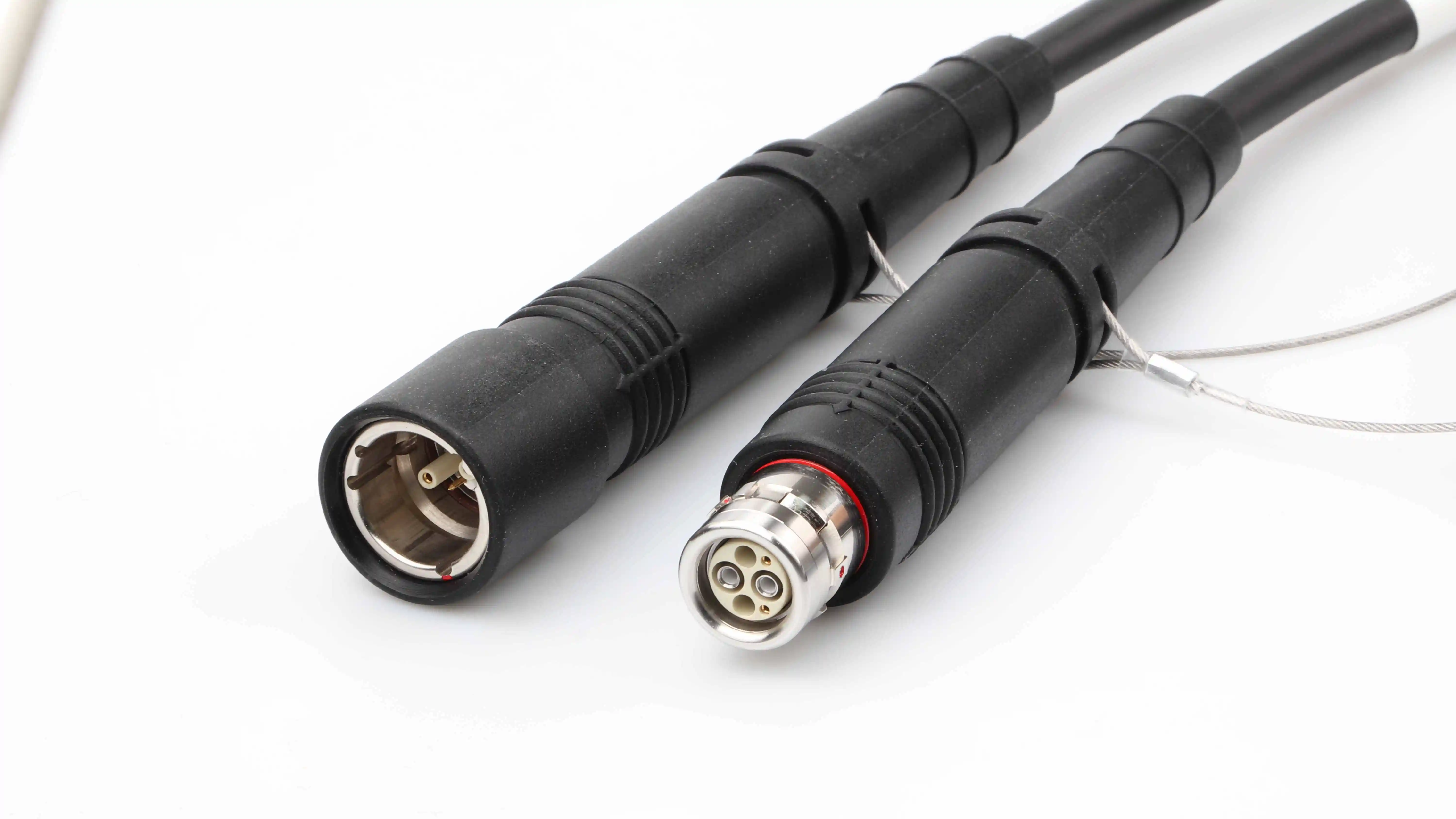
Where a camera is mounted influences which connector style works best. Cameras installed in tight housings, shallow junction boxes, or behind brackets often leave very little room for a straight connector and a gentle cable bend. In these cases, a right-angle connector can make a big difference by allowing the cable to exit sideways without being forced into a sharp kink. Outdoor cameras need connectors that can be sealed or protected against rain and dust, often with weatherproof boots or junction boxes. Cameras on moving mounts, such as pan-tilt-zoom units, place repeated stress on connections, so secure locking and good strain relief become more important. Thinking about the physical environment around each camera helps you choose connectors that fit comfortably and survive their surroundings.
Power Connections Deserve Equal Attention
It is easy to focus on video and forget that cameras also need steady power. A weak power connection can cause cameras to reboot, lose infrared night vision, or show unstable images. Many analog and HD cameras use DC barrel connectors, while professional camera setups may use D-Tap or push-pull power connectors. IP cameras often draw power through Power over Ethernet, which depends on well-terminated RJ45 plugs. Whatever the method, the connector should grip firmly and handle the required current without overheating. Combination cables that carry both video and power can simplify installation, but they still require suitable connectors at each end. Treating power connections with the same care as video connections leads to a far more stable system and fewer mysterious failures down the line.
Planning for Future Upgrades
A good connector choice today should not trap you tomorrow. Many businesses start with coaxial cameras and later add IP models, or they upgrade to higher resolution HD-over-coax cameras on existing cabling. Choosing quality BNC connectors on well-built coaxial cable keeps that upgrade path open, since modern HD formats can use the same infrastructure when it is in good condition. Keeping a consistent connector standard across the site also simplifies maintenance and spare parts. Working with a supplier that offers custom cable assemblies, like MOCO, lets you order exactly the lengths and connector combinations your layout requires as the system grows. By matching connectors carefully to each camera, cable, and location, you build a security network that performs well now and adapts gracefully later.