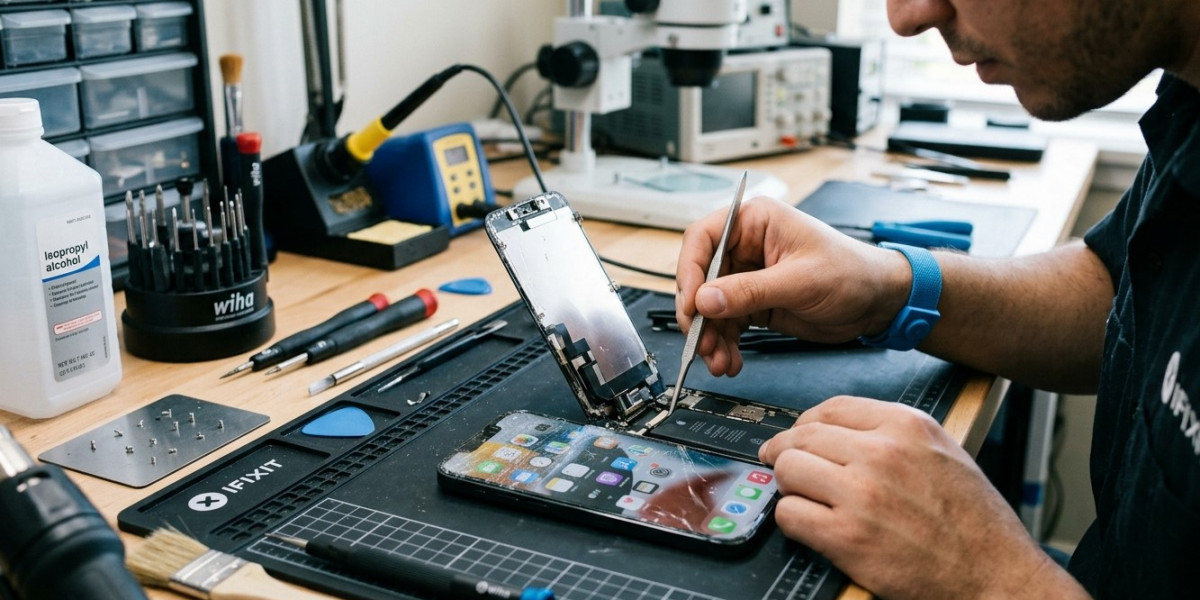

Dropping an iPhone can cause more than a cracked screen. Even when the glass looks relatively intact, the touchscreen may become slow, unresponsive, inaccurate, or completely unusable after an impact. In some cases, the problem is temporary and can be resolved with basic troubleshooting. In other situations, the drop may have damaged the display assembly or internal components and professional repair may be necessary.
If your iPhone touchscreen stopped responding after an accident, don't immediately assume the entire phone needs to be replaced. Start with simple troubleshooting and look for signs of physical damage. If the problem continues, professional iPhone repair Brooklyn NY can help identify the cause. Avenue D Cellular provides professional iPhone diagnostics and repair services, including display repairs, battery replacement, charging repairs, and iPhone screen repair Brooklyn.
Why Can a Drop Affect the iPhone Touchscreen?
The touchscreen is part of a sophisticated display assembly that detects your finger movements and translates them into commands.
A significant impact can affect different parts of this system.
Possible causes include:
- Cracked or damaged display glass
- Damage to the touchscreen digitizer
- Loose internal connections
- Damage to the display assembly
- Internal component damage
- Pressure from a bent frame
- Existing damage becoming worse after the drop
Sometimes the screen will continue displaying an image but won't accurately respond to touch. This can indicate that the display and touch functionality have been affected differently.
1. Check the Screen for Visible Damage
Start by carefully inspecting your iPhone.
Look for:
- Cracks
- Black spots
- Flickering
- Lines across the display
- Discoloration
- Areas that don't respond to touch
- A screen separating from the frame
Even small cracks can affect touchscreen performance.
If the screen is visibly damaged, avoid pressing hard on the affected area. Continued pressure could make the damage worse.
2. Remove the Case and Screen Protector
A protective case or screen protector usually helps prevent damage, but after a drop, it may sometimes interfere with touchscreen operation if it has shifted or cracked.
Remove the case and carefully inspect the screen protector.
If the protector is cracked or has shifted significantly, remove it according to the manufacturer's instructions and test the touchscreen again.
If the touchscreen works normally afterward, the accessory may have contributed to the problem.
3. Clean and Dry the Screen
Dirt, moisture, oil, and other substances can interfere with touch input.
Use a soft, dry cloth to clean the display.
Make sure your fingers are also clean and dry when testing the screen.
If the phone was exposed to water during the accident, don't continue using it as though nothing happened. Liquid can cause internal damage that may not be immediately visible.
4. Restart Your iPhone
A temporary software problem can sometimes make the touchscreen appear unresponsive.
If you can still interact with the device, restart it normally.
If the screen is completely frozen, an appropriate force restart for your iPhone model may help.
After restarting, test different areas of the display.
If the touchscreen starts working normally again, the problem may have been a temporary software issue rather than permanent physical damage.
5. Test Different Areas of the Screen
Touchscreen problems aren't always universal.
Try tapping and swiping across different parts of the display.
Pay attention to whether:
- Only one section doesn't respond.
- Touch input is delayed.
- The screen registers touches incorrectly.
- Swipes stop midway.
- The entire display is unresponsive.
If only a specific area is affected after a drop, physical damage to the touchscreen assembly is more likely.
6. Check for Software Problems
Although the problem started after a drop, software shouldn't automatically be ruled out.
Applications can freeze, and temporary system problems can affect touch response.
If your iPhone is still usable, check whether the operating system and applications are appropriately updated.
If the touchscreen works intermittently, back up your important information as soon as possible.
A backup is particularly important if the device appears to be developing additional problems.
7. Check for Internal Damage
A drop can damage internal components even when the screen looks fine.
Internal connectors may become loose or other components may be affected by the impact.
Look for additional symptoms such as:
- Unexpected restarts
- Charging problems
- Rapid battery drain
- Camera problems
- Speaker issues
- Microphone problems
- Wi-Fi or Bluetooth problems
- Overheating
If multiple features stopped working after the same drop, professional iPhone repair Brooklyn NY is recommended.
8. Don't Press Hard on an Unresponsive Screen
When a touchscreen stops responding, it can be tempting to press harder or repeatedly tap the affected area.
Avoid doing this.
Excessive pressure won't repair damaged touchscreen components and could potentially worsen physical damage.
If the display is cracked, lifting, or visibly separating from the frame, handle the phone carefully and have it inspected.
9. Avoid DIY Screen Replacement Without Proper Experience
Replacing an iPhone display requires appropriate tools, compatible components, and careful handling of delicate internal parts.
An inexperienced repair attempt can cause additional damage to the display, cables, sensors, or other components.
If the touchscreen is physically damaged after a drop, professional repair is generally safer than attempting an unfamiliar repair yourself.
10. Consider Professional Screen Repair
If the touchscreen remains unresponsive after basic troubleshooting, the display assembly may need professional service.
A technician can inspect the device and determine whether the issue involves the screen, digitizer, connectors, or another internal component.
Professional iPhone screen repair Brooklyn can be an appropriate solution when the display has been damaged by an accidental drop.
The exact repair depends on the model and the extent of the damage.
When Should You Get Professional iPhone Repair?
You should consider professional service when:
- The touchscreen is completely unresponsive.
- Only part of the screen works.
- Touch input is inaccurate.
- The screen flickers after the drop.
- The display has visible cracks or lines.
- The screen is separating from the frame.
- The iPhone restarts unexpectedly.
- Charging or battery problems appear.
- The device becomes unusually hot.
- Other components stop working.
A professional technician can diagnose the device before recommending a repair.
If the phone has both display and internal damage, addressing the problem promptly may prevent additional complications.
How to Prevent Future Touchscreen Damage
While accidents can happen, a few precautions can reduce the risk of touchscreen damage.
Use a quality protective case that provides adequate protection around the edges and corners of the phone. A suitable screen protector can also help protect the display from scratches and minor impacts.
Avoid placing your iPhone near the edge of tables, desks, or other surfaces where it can easily fall.
Keep the device away from liquids and handle it carefully when using it outdoors or in crowded environments.
Regular backups are also important. If a serious accident damages the phone, having your information safely backed up can make recovery easier.
Why Choose Avenue D Cellular?
If you're searching for reliable iPhone repair Brooklyn NY, Avenue D Cellular provides professional diagnostic and repair services for common iPhone problems.
Services can include:
- Screen replacement
- Touchscreen diagnostics
- Battery replacement
- Charging port repair
- Camera troubleshooting
- Speaker and microphone repairs
- General hardware diagnostics
- iPhone screen repair Brooklyn
Professional inspection can help determine whether touchscreen problems are caused by the display assembly, internal connections, software, or other hardware damage.
Final Thoughts
An iPhone touchscreen that stops working after a drop should be taken seriously. Start by checking for visible damage, removing a damaged screen protector or case, cleaning the display, restarting the device, and testing different areas of the screen.
If the touchscreen remains unresponsive or other problems appear after the impact, the device may have internal or display-related damage. Avoid pressing hard on the screen or attempting an unfamiliar DIY repair, as this could make the problem worse.
For dependable iPhone repair Brooklyn NY, Avenue D Cellular offers professional diagnostics and repair solutions for damaged displays, touchscreen problems, batteries, charging systems, and other iPhone components. Whether you need touchscreen troubleshooting or iPhone screen repair Brooklyn, getting the device professionally inspected can help restore reliable operation after an accidental drop.