
EMS students need to become comfortable with patient monitoring before they face real-world scenarios. Recognizing heart rate, blood pressure, respiratory rate, and oxygen saturation is only part of the skill. Learners also need to notice changes and understand how those changes appear on a monitor.
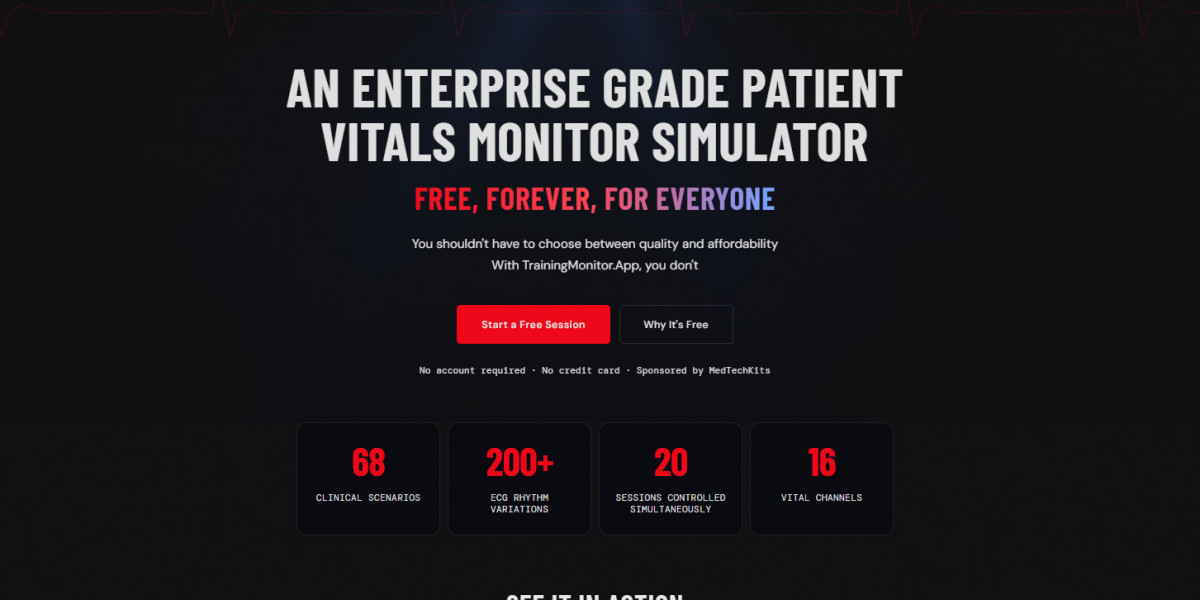
TrainingMonitor.App is a free vital signs simulator web-based tool that gives EMS learners a convenient way to practice these concepts online.
Why EMS Students Need Practice With Patient Monitor Changes
EMS assessment often involves observing a patient's condition over time rather than looking at a single set of numbers. A patient's vital signs can change during an assessment, making it important for learners to develop the habit of checking readings consistently.
A simulator provides a simple environment for practicing this process. Students can become familiar with monitor information and learn to pay attention to changes instead of treating every reading as an isolated number.
This type of practice can complement classroom instruction, skills labs, and other EMS training activities.
Build the Habit of Checking Vital Signs During a Scenario
A strong monitoring routine starts with knowing what to look for. Heart rate, blood pressure, respiratory rate, and oxygen saturation can each contribute to the overall assessment.
Students can practice reviewing several readings together and developing a consistent approach to checking the monitor. Repetition can make the process more familiar, allowing learners to focus more attention on interpreting the information.
For students researching how to read a vital signs monitor, simulator practice can provide useful visual familiarity alongside their EMS coursework.
Use Control Vital Signs to Simulate Changing Conditions
The control vital signs page gives learners an interactive way to work with simulated patient readings. Instead of viewing only a fixed set of values, students can explore different vital-sign configurations and observe how the monitor reflects those changes.
This makes the practice more hands-on. Learners can spend time becoming familiar with how changing readings are presented and how multiple measurements appear together.
For EMS students, this can support practice with recognizing changes during simulated assessment situations without requiring access to physical monitoring equipment every time.
Practice Recognizing Important Changes
EMS professionals may need to reassess patients repeatedly. For students, learning to recognize changes between assessments is therefore an important part of monitoring practice.
A simulator allows learners to focus on the visual side of this process. They can compare readings, observe differences, and become more comfortable identifying when something on the monitor has changed.
The purpose is not to replace clinical education, but to give students another way to repeatedly practice the observation skills introduced during their training.
Read Patient Information Clearly on the Display Monitor
The display monitor brings the simulated vital-sign information together in a format that learners can review. Becoming familiar with where different measurements appear can make monitor interpretation less intimidating.
Students can practice scanning the display and identifying important information without immediately focusing on only one value. This encourages a more systematic approach to reviewing the patient's measurements.
With repeated exposure, learners can become more comfortable recognizing the information they may encounter during EMS training exercises.
Connect Vital Sign Trends With EMS Assessment Skills
Vital signs are one part of a broader patient assessment. Their significance depends on the overall situation, patient presentation, and other assessment findings.
Students can use simulator practice to reinforce the idea that monitoring involves observing trends and changes rather than simply memorizing numbers. Reviewing concepts such as normal vital signs by age can also help learners understand that expected values can vary depending on the patient's age and other circumstances.
Combining reference knowledge with monitor practice can make studying more practical and easier to visualize.
Strengthen EMS Skills Through Repeated Monitor Practice
EMS training involves repetition. The more familiar students become with monitoring information, the easier it can be to concentrate on the broader assessment process.
TrainingMonitor.App provides a browser-based environment where learners can repeatedly practice observing simulated vital signs.
The combination of interactive controls and a dedicated monitor display makes it possible to review monitoring concepts without needing physical equipment for every study session.